
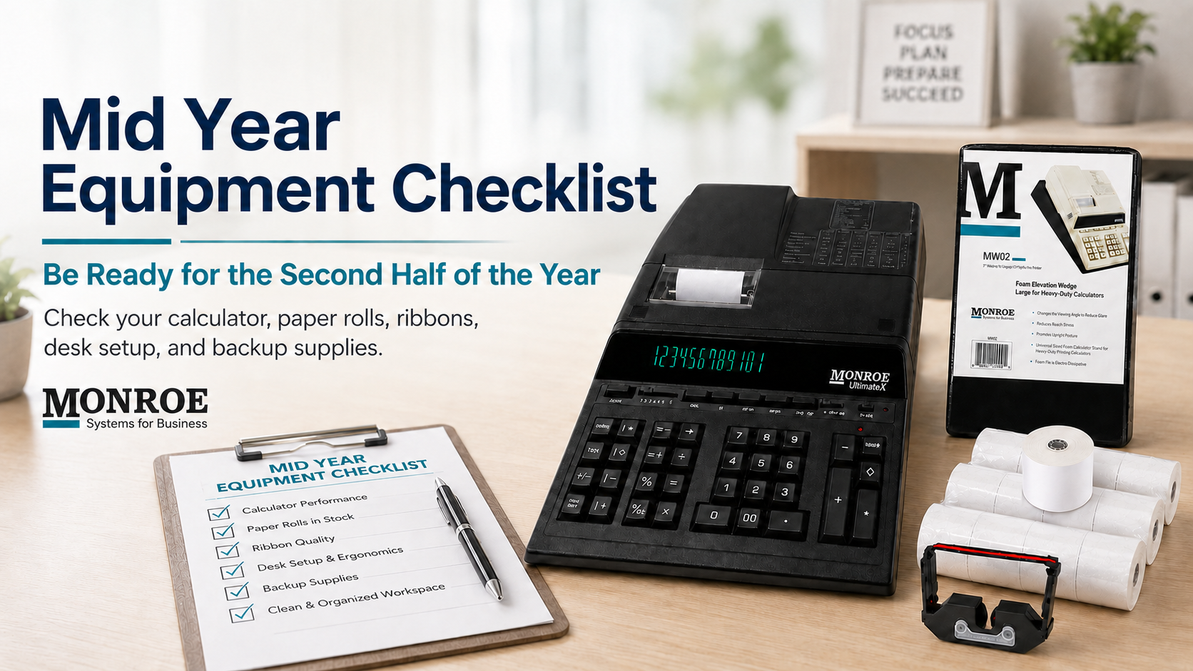
Mid Year Equipment Checklist: Is Your Office Ready for the Second Half of the Year?
Monroe Mid Year Office Readiness Guide
Mid Year Equipment Checklist: Is Your Office Ready for the Second Half of the Year?
A practical checklist for accounting offices, small businesses, bookkeepers, finance teams, and office managers who want to keep their calculators, supplies, and desk setup ready for the months ahead.
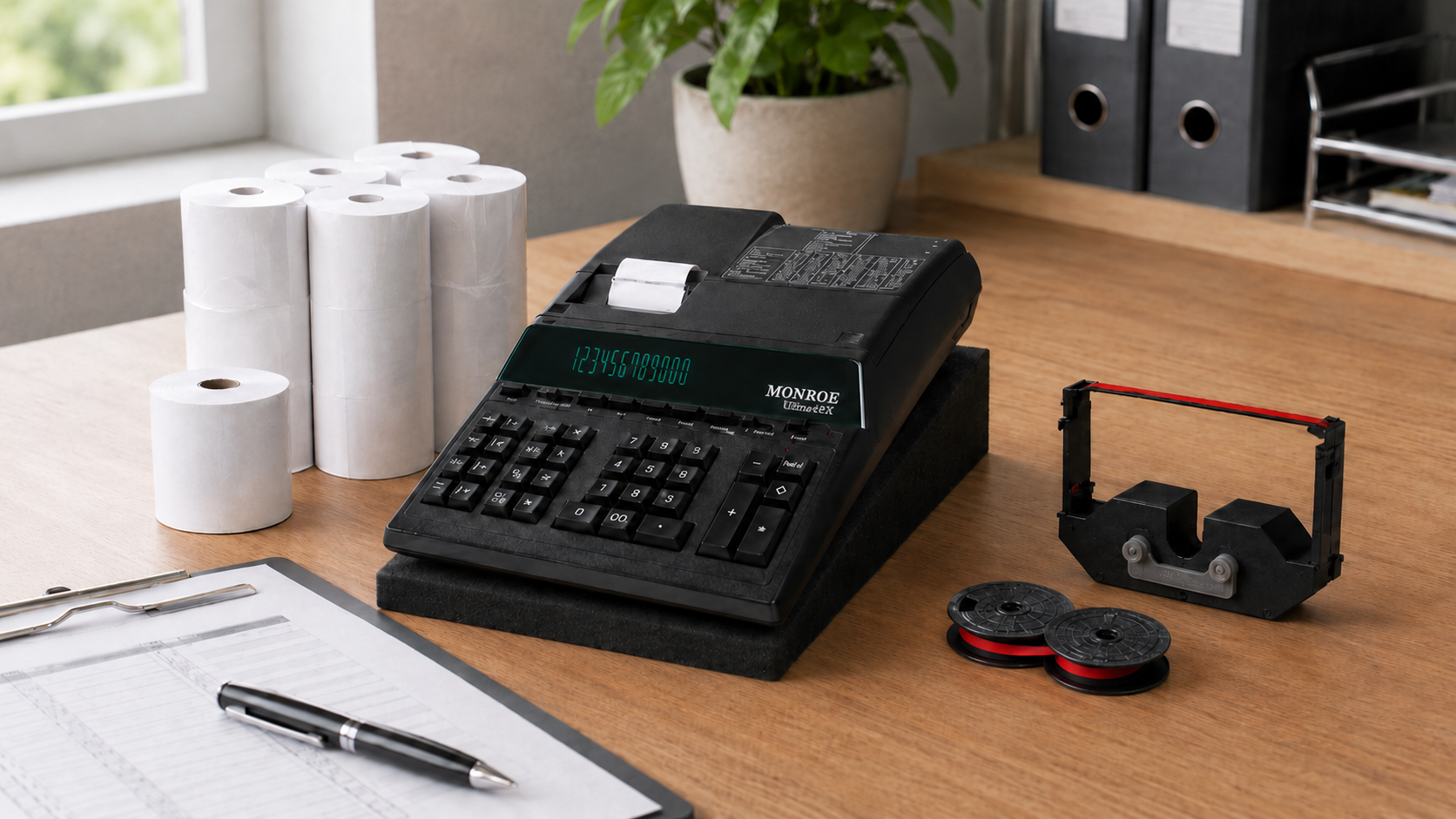
Office readiness starts with the tools your team uses every day.
The middle of the year is the perfect time to pause, check your office equipment, and make sure your team is not heading into the next busy stretch with worn supplies, fading printouts, or a calculator that is slowing everyone down. A few quick checks now can help prevent small desk issues from turning into daily frustration later.
Your Quick Mid Year Checklist
Use this list as a quick guide before the second half of the year gets busier. Click any card to jump to that section.
Walk Through Each Checkpoint
These quick equipment checks are simple, practical, and built around the tools many offices use every day.
Check Your Printing Calculator Performance
Your printing calculator may still turn on, but that does not always mean it is working at its best. If the keys feel slow, the printout is fading, the paper feed is inconsistent, or your team is starting to avoid using the machine, it is time for a closer look.
A dependable calculator should give your team responsive keys, clear printouts, accurate totals, and steady performance throughout the day.
Mid Year Action Step: Run several common calculations, print the tape, and check for clean output, smooth feeding, and consistent key response.
Monroe Tip: If the calculator still performs well but the print is light, a fresh ribbon may solve the issue before you consider replacing the machine.
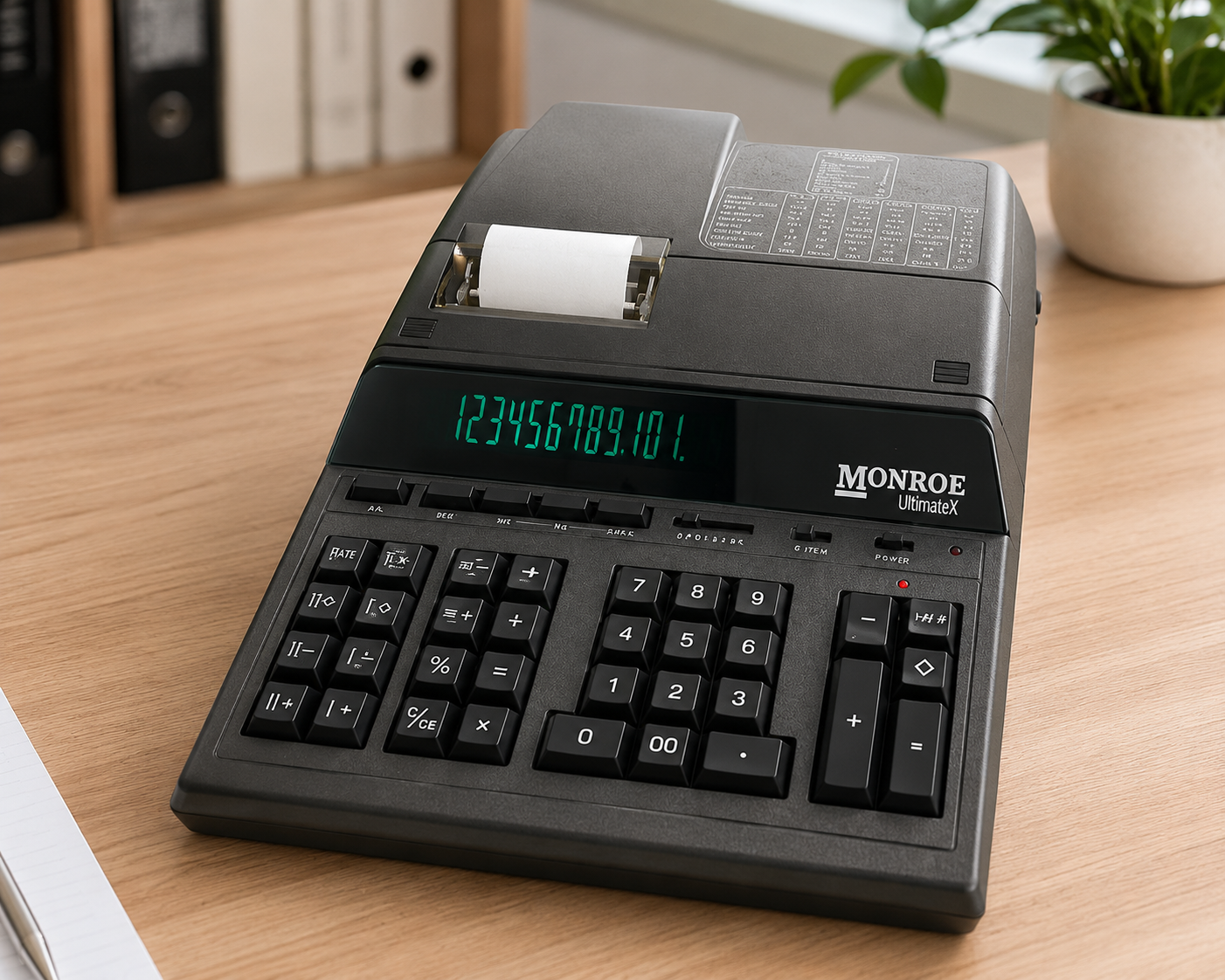
Printing Calculators
Explore Monroe calculators built for professional desk use, accuracy, and daily reliability.
Shop Calculators
Paper Tape Rolls
Keep extra calculator paper on hand so your office is not caught short during busy workdays.
Shop Paper RollsReview Your Paper Roll Supply
Running out of paper is a small issue, but it can still interrupt the workday. If your office prints calculation tapes, receipts, audit trails, or backup records, paper rolls should always be easy to access.
Mid year is a good time to check how many rolls you have left and whether your current supply can support regular daily use, reporting periods, and unexpected demand.
Mid Year Action Step: Count your remaining paper rolls and decide if your office has enough to get through the next few months.
Monroe Tip: Keeping extra calculator paper on hand helps prevent avoidable interruptions during important office work.
Replace Weak or Fading Ribbons
A fading printout is easy to ignore until someone needs to review the tape later. Light, uneven, or hard to read print can make records more difficult to verify.
Replacing your ribbon is one of the simplest ways to improve the quality of your printed calculations and keep your records easier to read.
Mid Year Action Step: Print a sample tape and check whether the numbers are dark, clean, and easy to read.
Monroe Tip: If your calculator is used daily, keeping spare ribbons nearby can help your team avoid faded print during important work. Also, we recommend changing your ribbon out after every second paper tape roll.
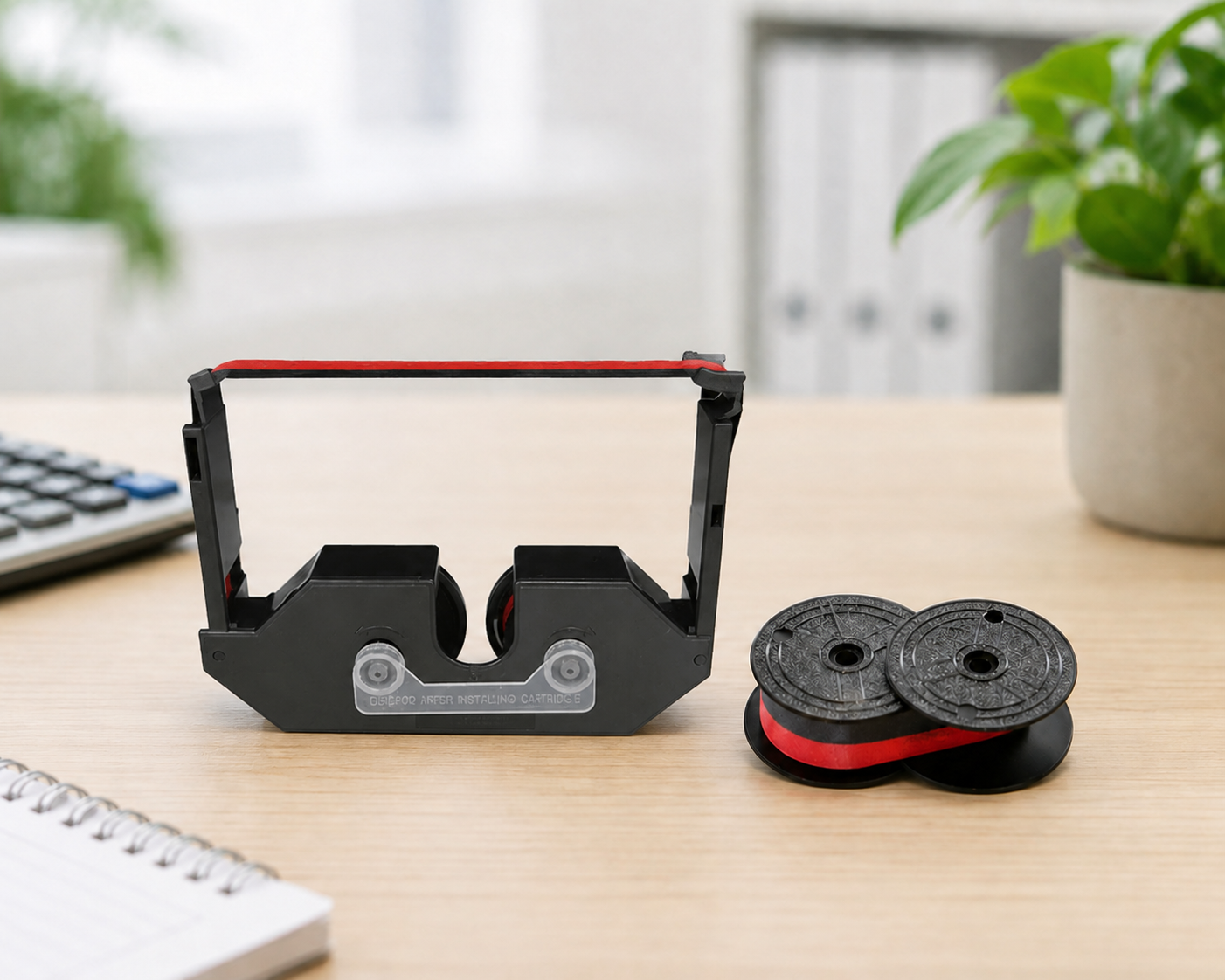
Calculator Ribbons
Refresh faded printouts with Monroe calculator ribbons for clearer daily records.
Shop Ribbons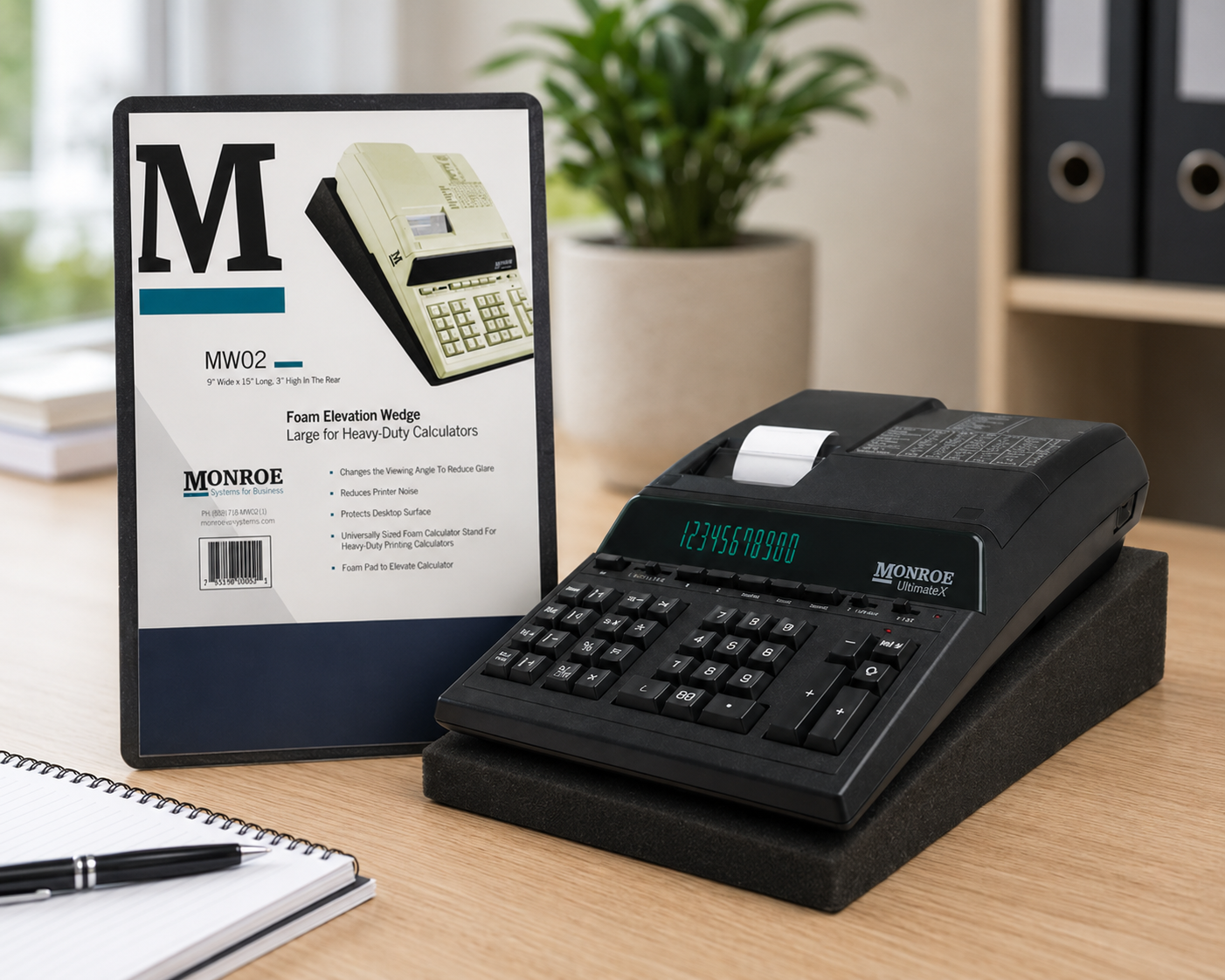
Foam Elevation Wedge
Improve calculator angle, desk comfort, and workspace setup with a simple accessory.
Shop AccessoriesInspect Your Desk Setup and Comfort
Your desk setup can affect how comfortable and efficient the workday feels. If your calculator sits too flat, too far away, or at an uncomfortable angle, repeated use can become more tiring than necessary.
A better calculator position can improve visibility, reduce strain, and make everyday calculations feel smoother.
Mid Year Action Step: Look at where your calculator sits on your desk. Make sure it is easy to reach, easy to read, and positioned comfortably for repeated use.
Monroe Tip: A calculator elevation wedge can help improve viewing angle and desk comfort during long work sessions.
Confirm Your Backup Equipment
If your office depends on one primary calculator, now is a good time to think about backup equipment. A second machine can be helpful during busy seasons, staffing changes, shared office use, or unexpected equipment issues.
For high volume offices, backup equipment is not just convenient. It helps protect workflow when accuracy and speed matter most.
Mid Year Action Step: Identify whether your office has a backup calculator available and confirm that it is working properly.
Monroe Tip: If multiple employees share one machine, adding another calculator can reduce bottlenecks during busy periods.
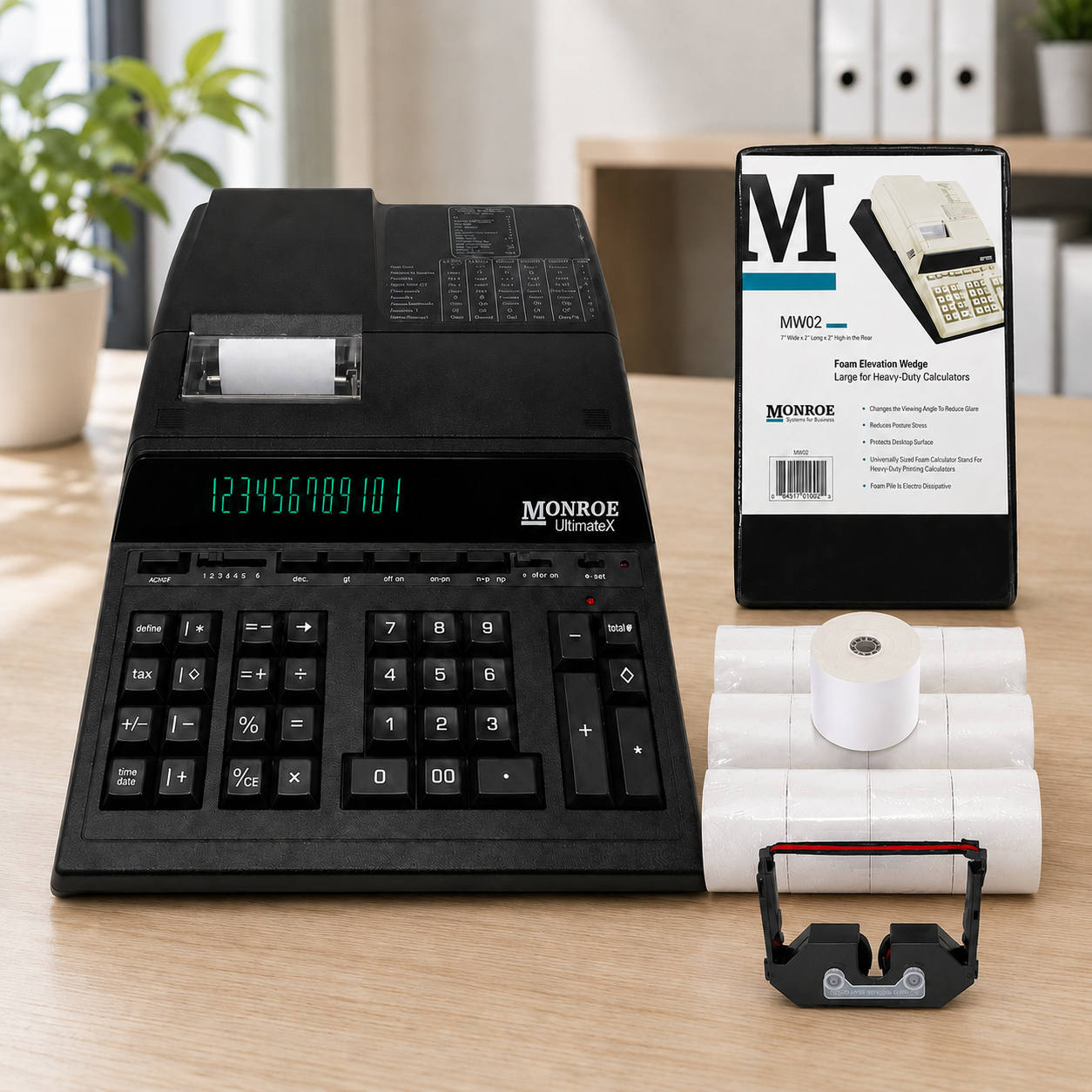
Calculator Bundles
Bundle your calculator with ribbons, paper rolls, and an elevation wedge for a more prepared desk setup.
Shop BundlesClean and Organize Your Workspace
Dust, paper scraps, old rolls, and general clutter can make your workspace feel less efficient. A quick cleanup can help your team stay organized and make supplies easier to find when they are needed.
This is also a good time to check the area around your calculator, remove loose scraps, organize replacement supplies, and make sure your most used items are easy to reach.
Mid Year Action Step: Clear the area around your calculator, organize your paper rolls and ribbons, and make sure frequently used supplies are easy to access.
Prepare for the Second Half of the Year
The second half of the year can bring budgeting, reporting, audits, purchasing reviews, and early year end preparation. Taking care of your office equipment now can help your team avoid preventable issues later.
A quick mid year equipment check helps your office stay prepared, productive, and confident heading into the months ahead.
Mid Year Action Step: Review your calculator setup, supply levels, accessories, and backup equipment before the next busy stretch arrives.
Stock Up Before You Need It
Monroe has supported business offices for more than 110 years with dependable printing calculators, supplies, bundles, and accessories built for real daily use.
Printing Calculators
Explore Monroe calculators for accounting, bookkeeping, finance, and daily business use.
Shop CalculatorsPaper and Ribbons
Keep printed records clean, readable, and ready when your team needs them.
Shop Supply KitsBundles
Prepare your office with a calculator, paper rolls, ribbons, and an elevation wedge.
Shop BundlesAccessories
Improve desk comfort and calculator positioning with helpful office accessories.
Shop AccessoriesBe Ready for the Second Half of the Year
Whether your office needs a new printing calculator, replacement ribbons, paper rolls, calculator bundles, or desk accessories, mid year is the right time to make sure your team has what it needs.
Be Ready for the Second Half of the Year
Recent Posts
-
Mid Year Equipment Checklist: Is Your Office Ready for the Second Half of the Year?
Monroe Mid Year Office Readiness Guide Mid Year Equipment Checklist: Is Your Office Ready for …Jun 09, 2026 -

From Sales Leader to Strategic Architect: The Return of Jason Marsdale
A Return Rooted In People, Purpose, and Growth Some journeys come full circle. After previously h …Dec 16, 2025 -

Monroe at DMWF 2025: How Our Team is Shaping the Future of Digital Marketing
How A Two-Day Conference Is Sparking Innovation For Monroe Systems for Business When your company …Dec 11, 2025